1. Alipay Face-to-Face Payment Configuration Tutorial
1.0 Face-to-Face Payment Signing
-
https://b.alipay.com/page/ar-center/merchant-sign/form?productCode=I1011000100000000001
-
https://b.alipay.com/page/products-sign/dynlink/productSign/signManage.htm
1.1 First Create Application
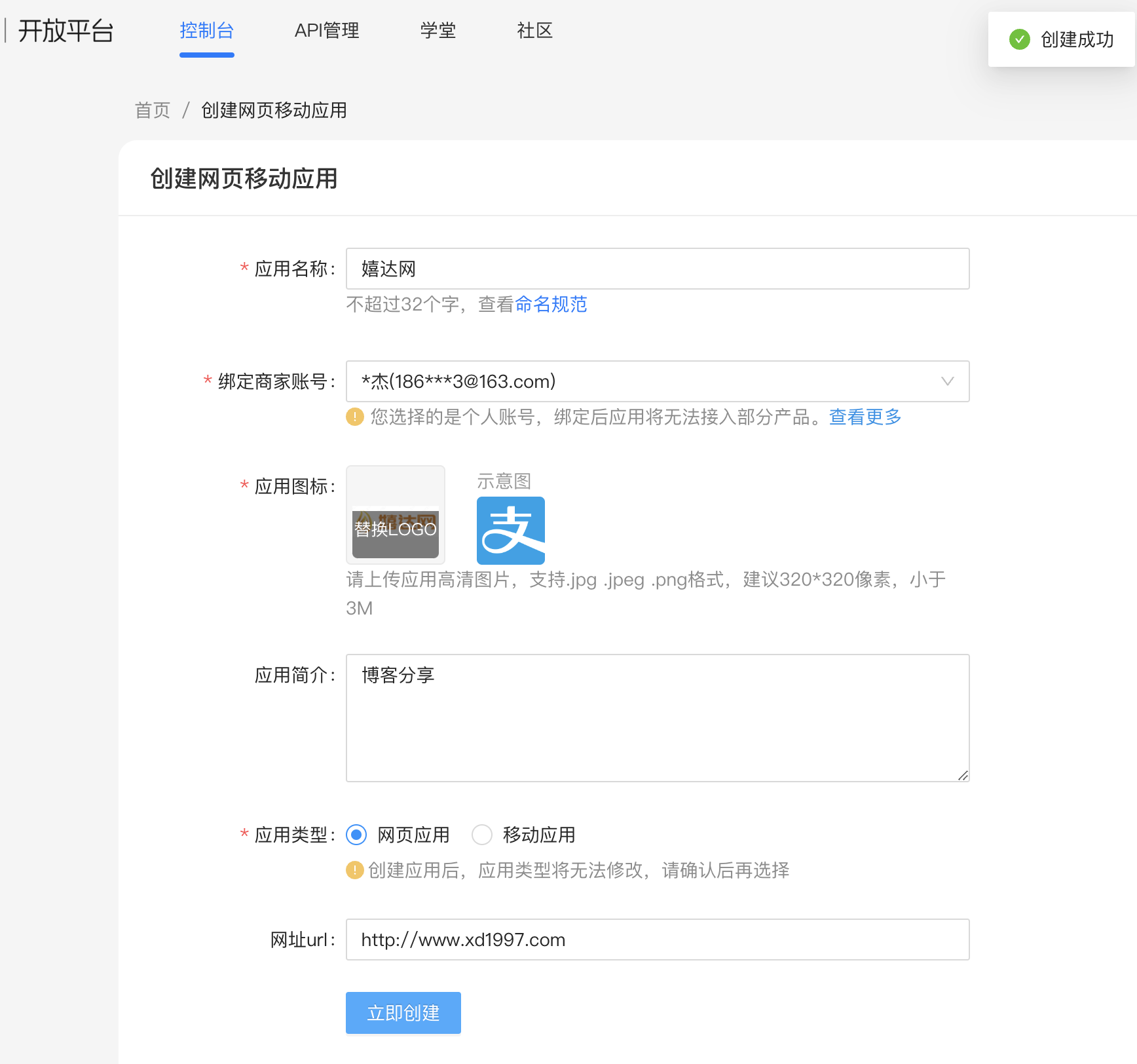
Open Alipay Open Platform website: https://open.alipay.com/, log in and "Enter Management Center", in the "My Applications" area upper right corner, click "Create Application" >> "Web & Mobile Application" >> "Payment Integration" in order, as shown:
1.2 Configuration
After creating the application above, it cannot be used yet. You need to:
First go to the tutorial page: https://opendocs.alipay.com/common/02kipk?pathHash=0d20b438
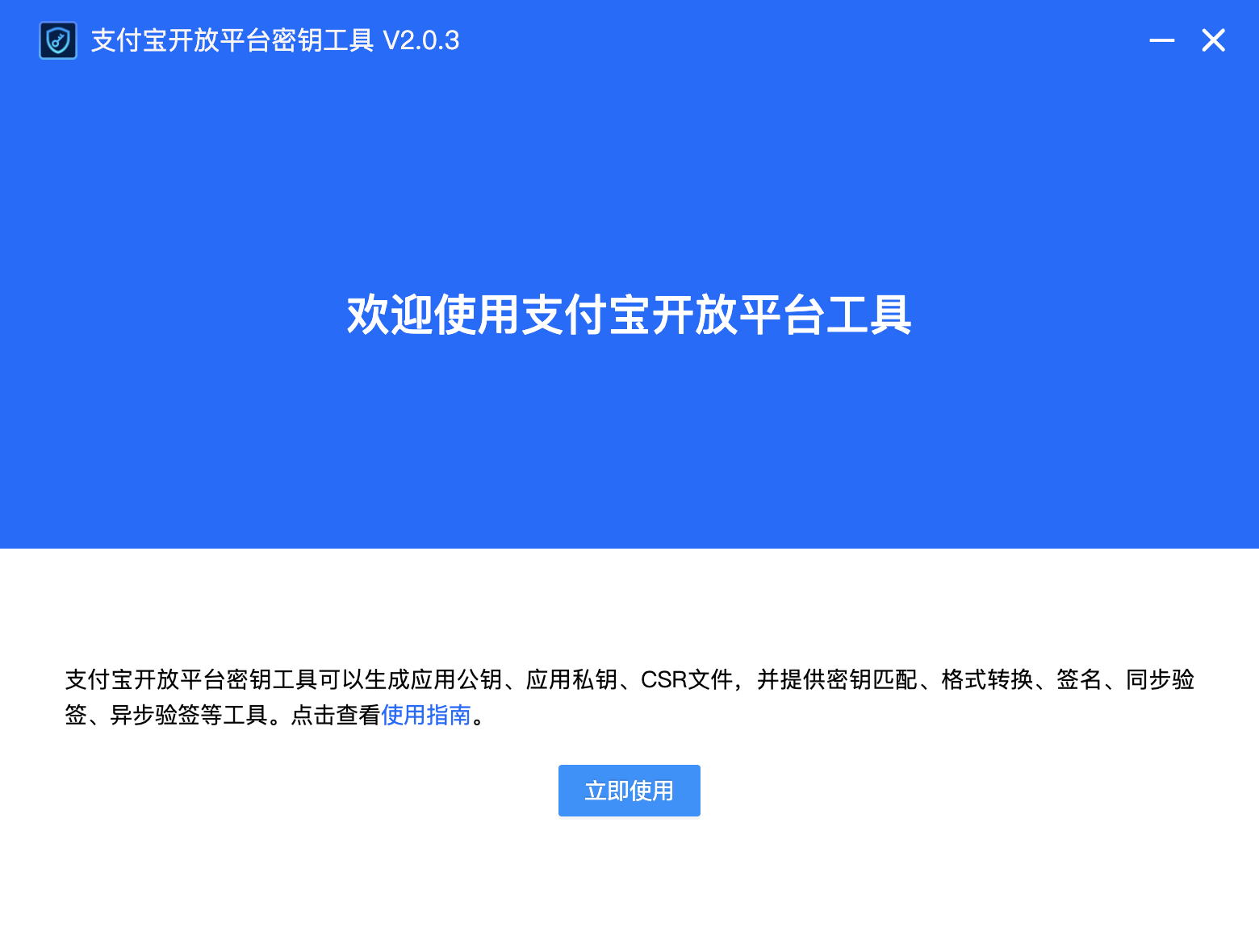
Download the key tool, then open it:
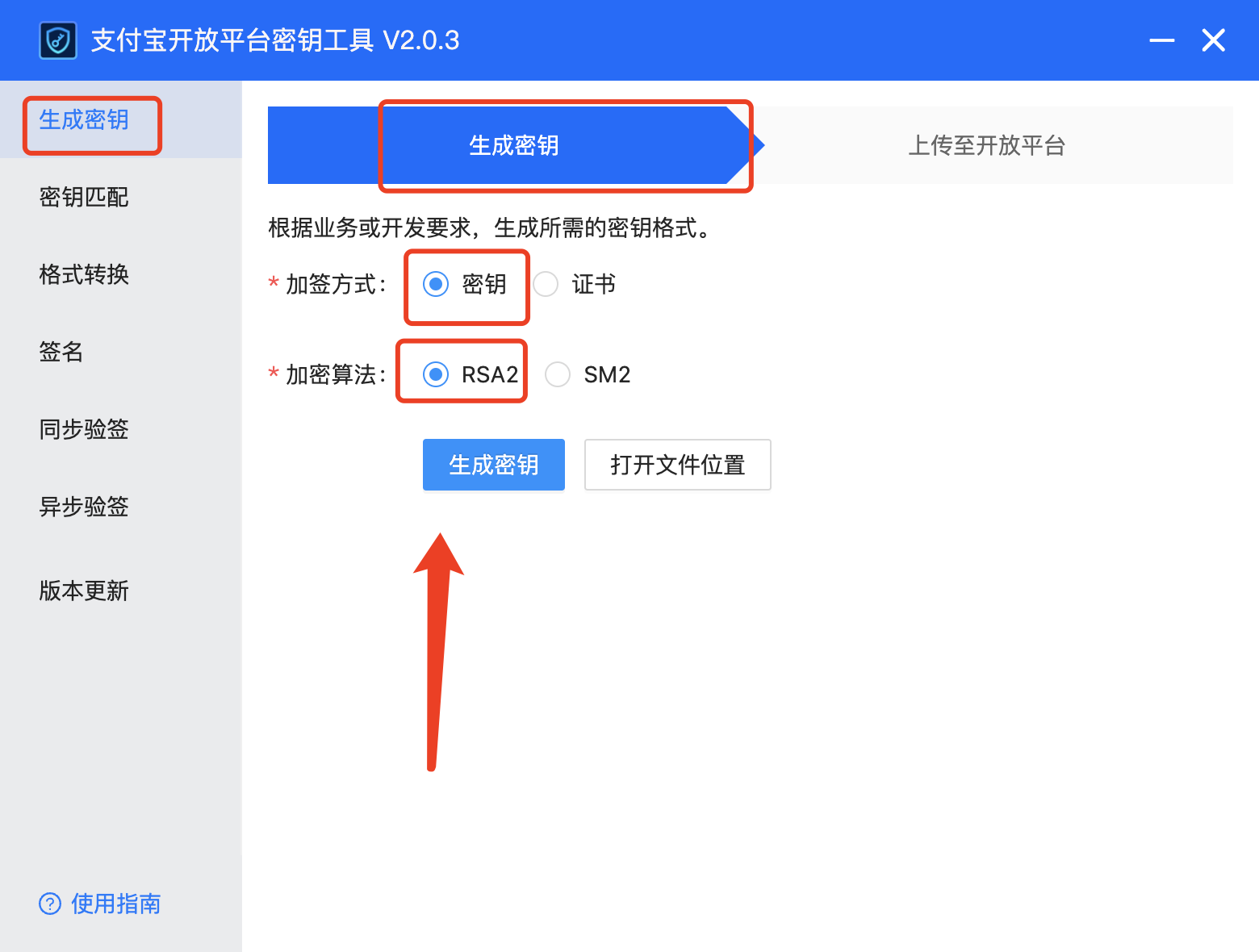
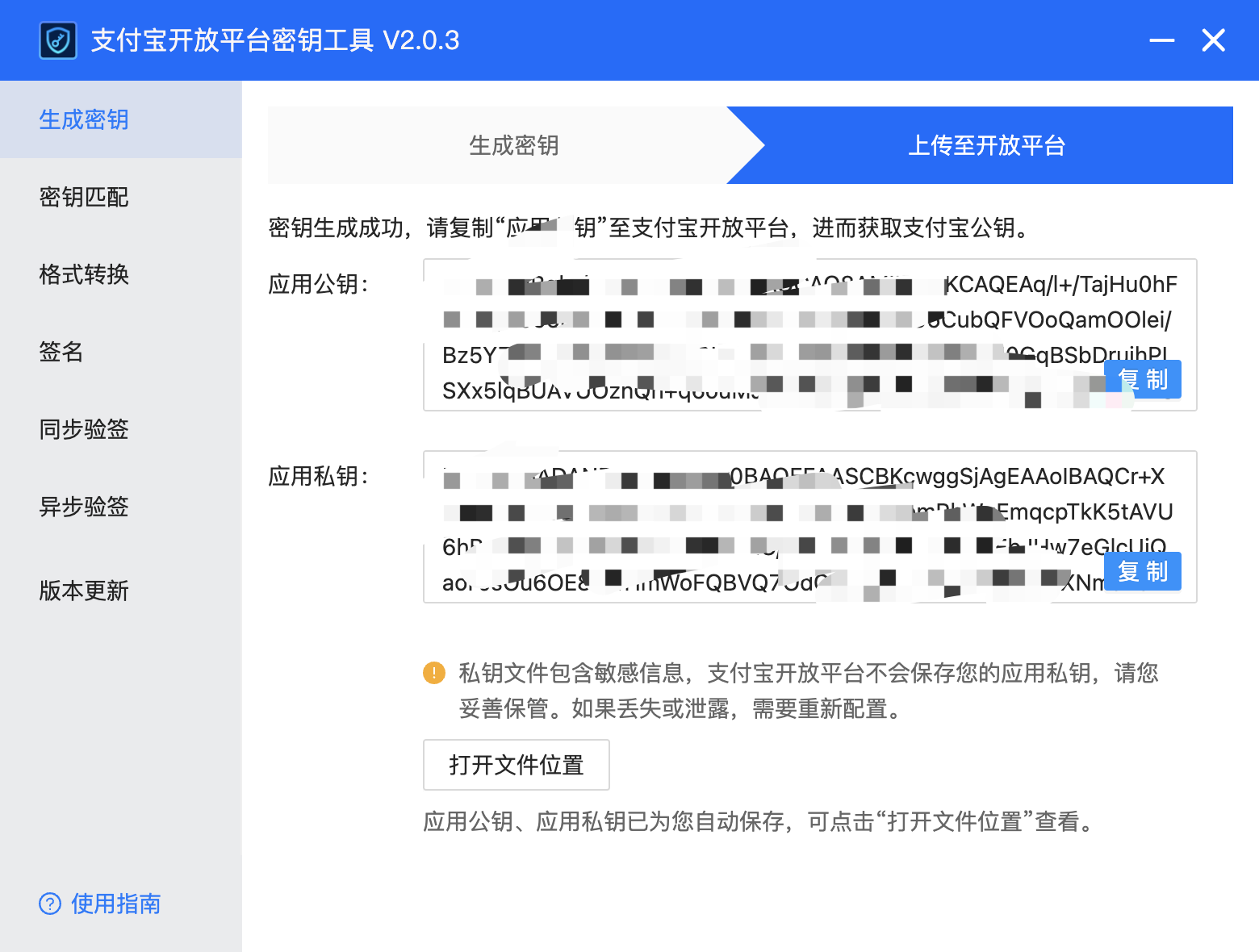
The public key and private key files generated by "Alipay Open Platform Development Assistant" must be saved by yourself. Also, we need to keep the private key content here for backup!
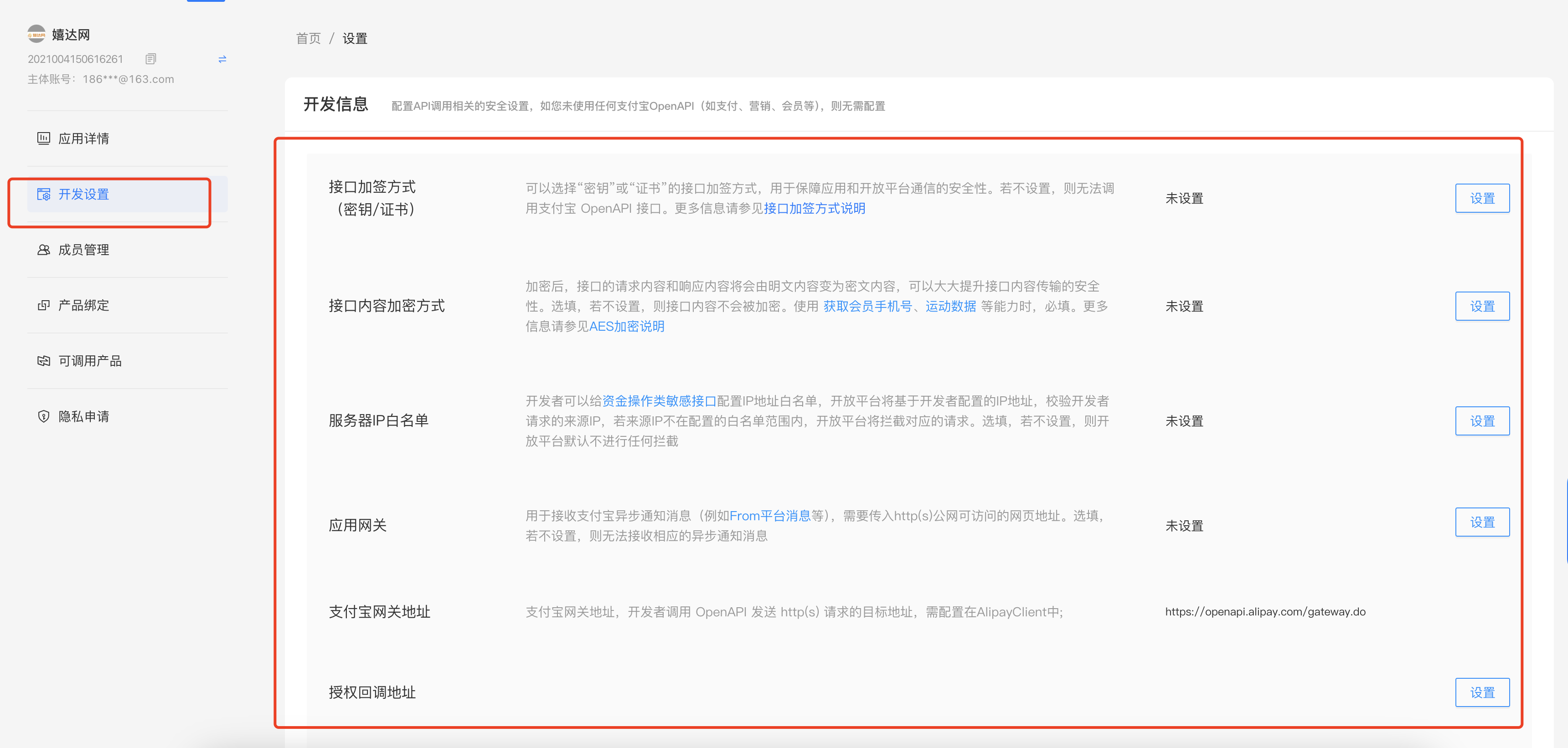
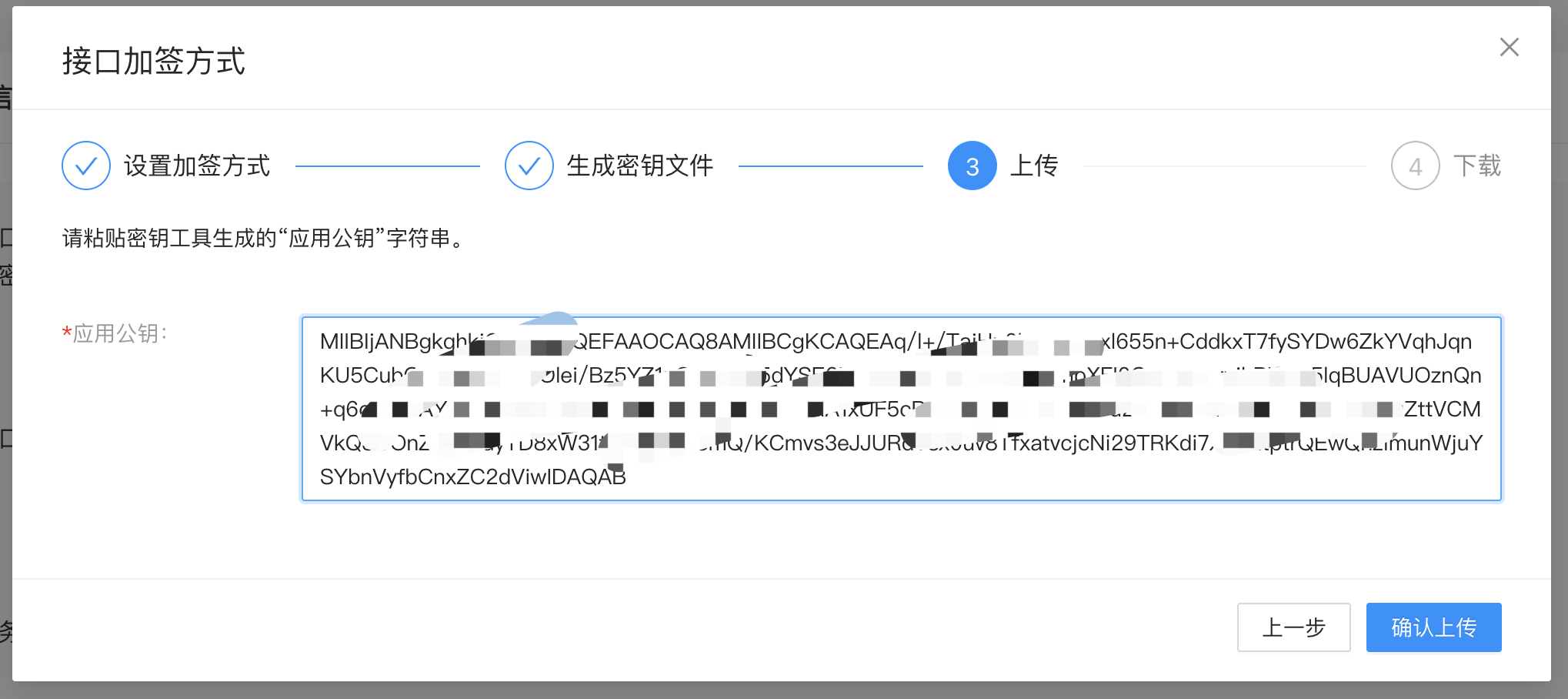
Then we return to the first step's Open Platform application edit page, in "Development Information", set "Interface Encryption Method", as shown:
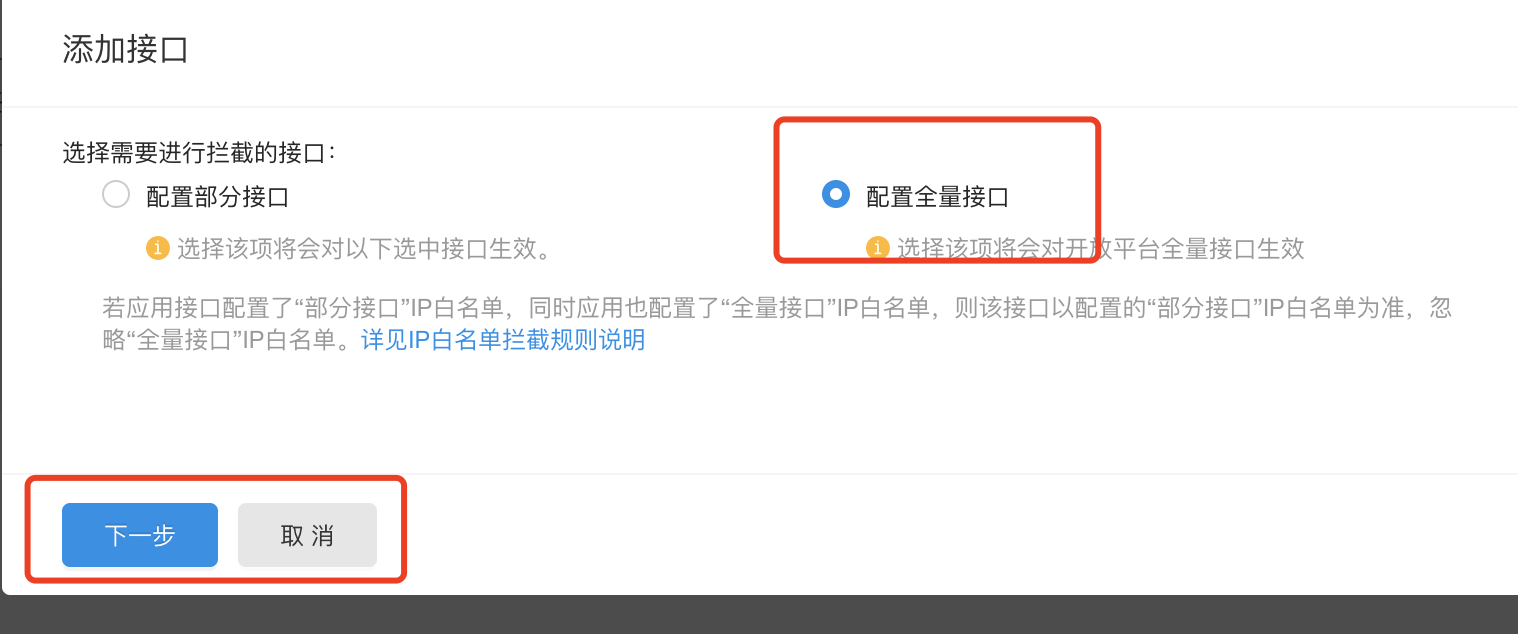
1.3 Configure IP Whitelist
1.4 Gateway
Set to your own website

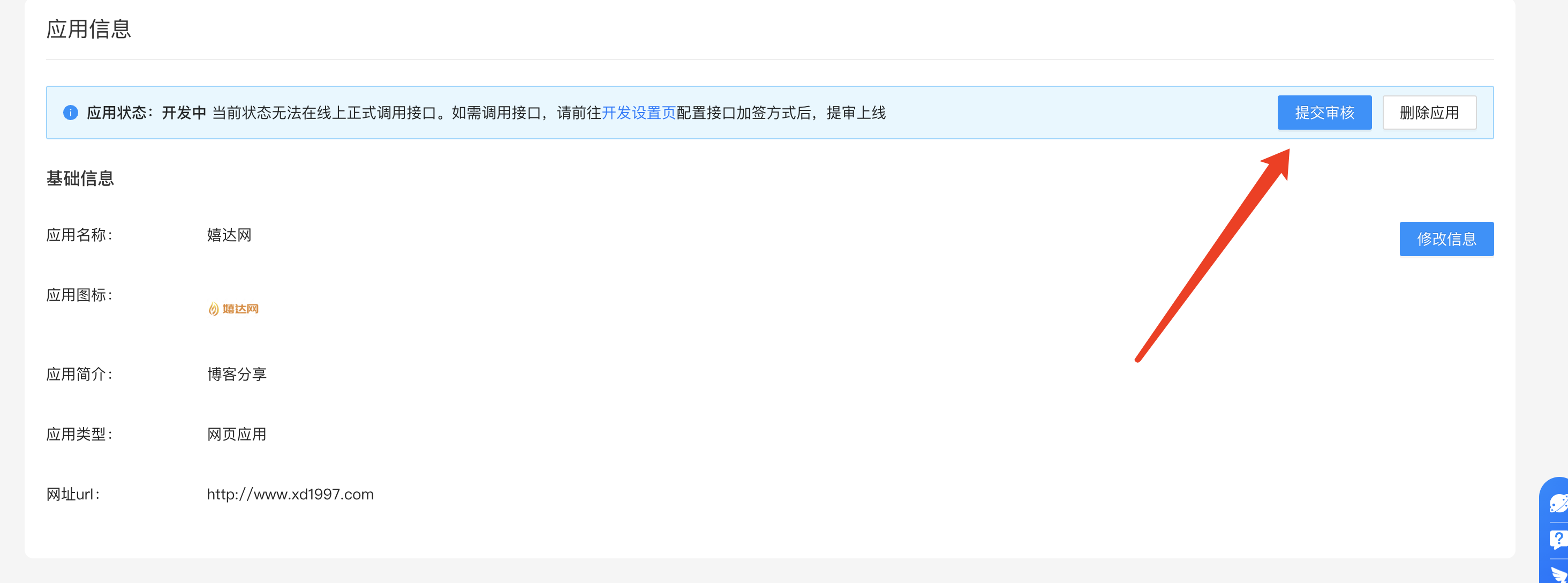
1.5 Submit for Review